

Launching a blog is like opening a window to the world.
It’s your space to spill your thoughts, share your stories, or teach something you’re passionate about. If you’re itching to start a blog,
you’re in the right spot! With tons of blogging platforms out there, choosing one can feel like picking a favorite song—overwhelming but exciting.
Don’t sweat it—I’m here to help. I’m Zeeshan Manzoor, and I’ve spent years tinkering with blogs, figuring out what clicks.
In this guide, I’ll walk you through the best blogging platforms for 2025, toss in my own two cents, and help you find the one that’s you. Let’s get rolling!
Quick note: My site, might earn a small commission if you buy a service through our partner links. It doesn’t bump up your cost—it just helps keep my blog humming!
Why I’m All About Blogging
Before we dive into the details, let me tell you why blogging’s so close to my heart.
When I kicked off zeeshanmanzoor.com, I was just a guy with a laptop, some ideas, and a itch to share my take on tech, life, and everything else.
Blogging gave me a voice, a crew of readers, and a way to turn my passion into something real. Whether you’re itching to write about your adventures, hype up your business, or nerd out on a hobby, a blog’s your stage. And guess what?
You don’t need to be a tech genius to pull it off. If I figured it out, you’ve got this!
Wondering if you’re ready to blog? Here’s a hint: If you’ve got something to say, you’re probably more ready than you think.
What’s a Blogging Platform, Anyway?
A blogging platform is the tool that brings your blog to life. It’s where you write, design, and share your content—think articles, photos, videos, or even a podcast. These platforms let you:
- Pour out your personal stories or pro tips.
- Push a product or business.
- Teach folks about something you love.
- Build a community around your ideas.
Some platforms are dead simple, perfect for newbies. Others pack advanced features for folks who want to call the shots. The trick is finding one that vibes with your goals, skills, and wallet.
How to Pick the Right Blogging Platform
Choosing a platform is like picking the perfect coffee—it’s gotta suit your taste. With so many options, here’s what I’ve learned to keep in mind:
- Ease of Use: If you’re new to this (like I was back in the day), you want something that’s easy to navigate, no tech degree required.
- Features: What do you need? A customizable look? Tools to boost your blog’s visibility on Google? Social media hooks? Jot down your must-haves.
- Cost: Some platforms are free, others hit you with monthly or yearly fees. Be real about what you can spend.
- Flexibility: Want to tweak your blog’s style or add new tricks later? Pick a platform that gives you wiggle room.
- Security: Nobody wants hackers crashing the party. Go for a platform that keeps your blog locked down.
- Support: When things go sideways (and they will), good customer support is a lifesaver. Look for help via chat, email, or guides.
When I was picking my first platform, I was torn between freebies and ones with more control. My tip? Think about what you want long-term, but don’t overthink it. You can always level up later.
The 5 Best Blogging Platforms for 2025
I’ve spent years messing around with platforms, and I’ve got thoughts on what works. Below are my top 5 picks for 2025, each with its own flavor. I’ll break down what makes them shine and who they’re for.
1. WordPress.org (Self-Hosted with Hostinger)
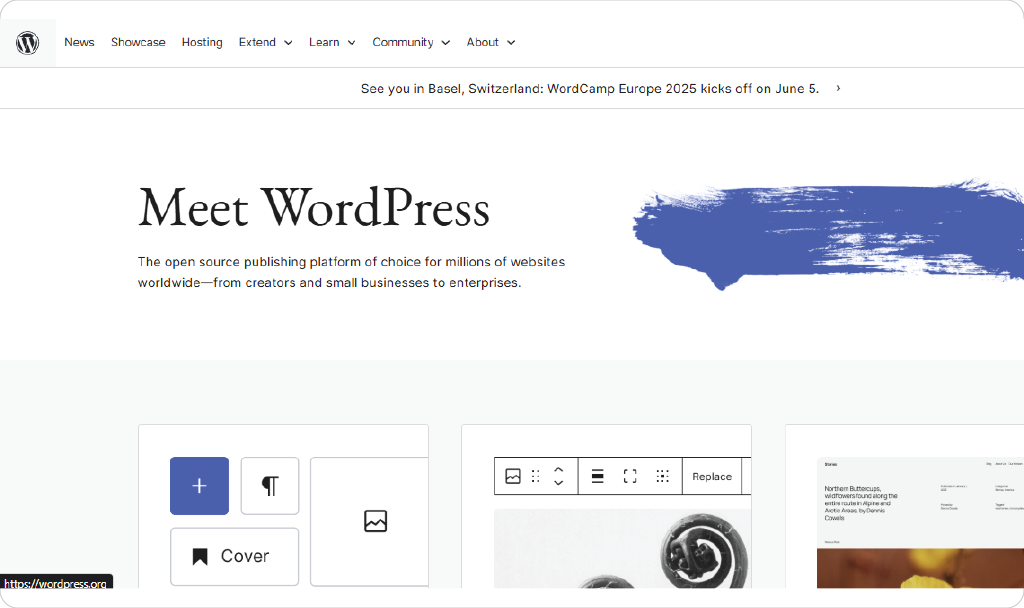
Why It’s My Go-To: WordPress.org is the king of blogging platforms if you want to run the show. It’s self-hosted, so you set it up on your own server with a hosting provider. I use hostinger for zeeshanmanzoor.com, and it’s been a total win. Hostinger is WordPress-approved, throws in a free domain for the first year, and adds SSL security to keep things safe.
Best part? Plans start at just $2.95/month—easy on the wallet.
What Sets It Apart:
- Total Freedom: With thousands of themes and plugins, you can make your blog look and work exactly how you dream it. Want a slick portfolio? A bold magazine vibe? You name it.
- Grows with You: Perfect for a personal blog or a full-on business site, it scales as you grow.
- You Own It: Unlike some platforms, you’re in charge of your site and data.
The Downside: Setting up a self-hosted site can feel like a puzzle if you’re new. I was nervous about “domains” and “hosting” at first, but Bluehost’s setup guide made it a breeze. Want help? My guide on starting a blog with Bluehost has you covered.
Pricing: The WordPress.org software is free, but hosting and a domain cost money. Bluehost starts at $2.95/month, including a free domain for year one.
Who’s It For: Bloggers who want control and are cool with a bit of setup. If you’re serious about your blog, this is my top pick.
Get Started: Kick off with Bluehost.
2. WordPress.com
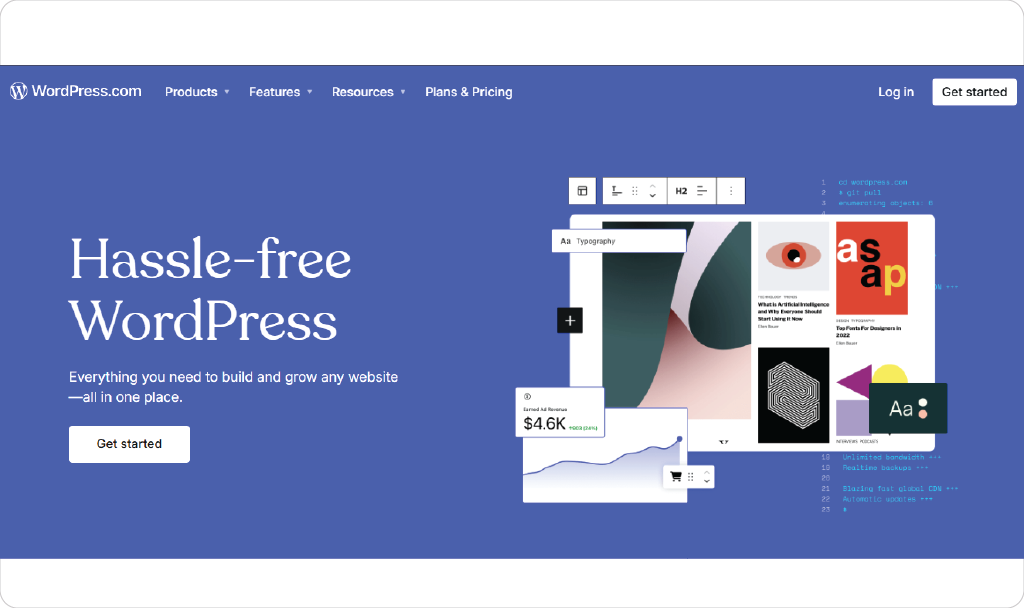
Why I Dig It: WordPress.com is like WordPress.org’s chill sibling. It’s hosted for you, so no messing with servers. I used it for a side project once, and its simplicity hooked me for quick setups.
What Sets It Apart:
- Super Easy: Sign up, pick a theme, and start typing—no tech skills needed.
- Free Option: You can start for zero bucks, great for dipping your toes.
- Upgrade Paths: Paid plans unlock custom domains, extra storage, and more design options.
The Downside: The free plan slaps WordPress.com ads on your site and limits features. Want to add custom plugins or full control? You’ll need a pricier plan or WordPress.org. Also, you don’t fully “own” your site like with self-hosted WordPress.
Pricing: Free to start. Paid plans run from $4/month (Personal) to $45/month (Commerce for shops). Free plans include ads.
Who’s It For: Newbies or casual bloggers who want to start without stress. If hosting sounds like a headache, this is your spot.
Get Started: Check out WordPress.com.
3. Squarespace
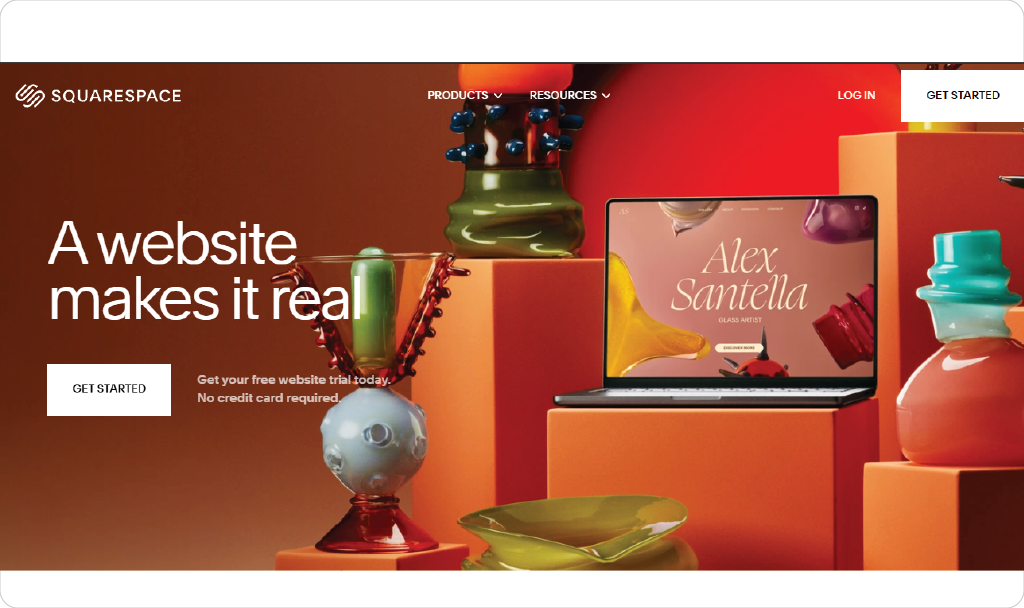
Why I Dig It: Squarespace is like the cool, artsy friend who makes everything look effortless. I’ve used it for client projects, and its drag-and-drop editor makes building stunning blogs a snap.
What Sets It Apart:
- Gorgeous Designs: Squarespace’s templates are sleek and pro, ideal for creative blogs or portfolios.
- All-in-One: Hosting, security, and updates are handled, so you focus on content.
- Shop-Ready: Want to sell stuff? Squarespace makes setting up an online store a breeze.
The Downside: It’s less flexible than WordPress.org for deep customization. If you’re like me and love tweaking every pixel, you might feel boxed in. It’s also pricier than some options.
Pricing: Starts at $16/month for personal sites, up to $52/month for advanced e-commerce. No free plan, but you get a 14-day trial.
Who’s It For: Creatives, small biz owners, or anyone who wants a sharp-looking blog without tech fuss. If style’s your thing, Squarespace rocks.
Get Started: Try Squarespace.
4. Wix
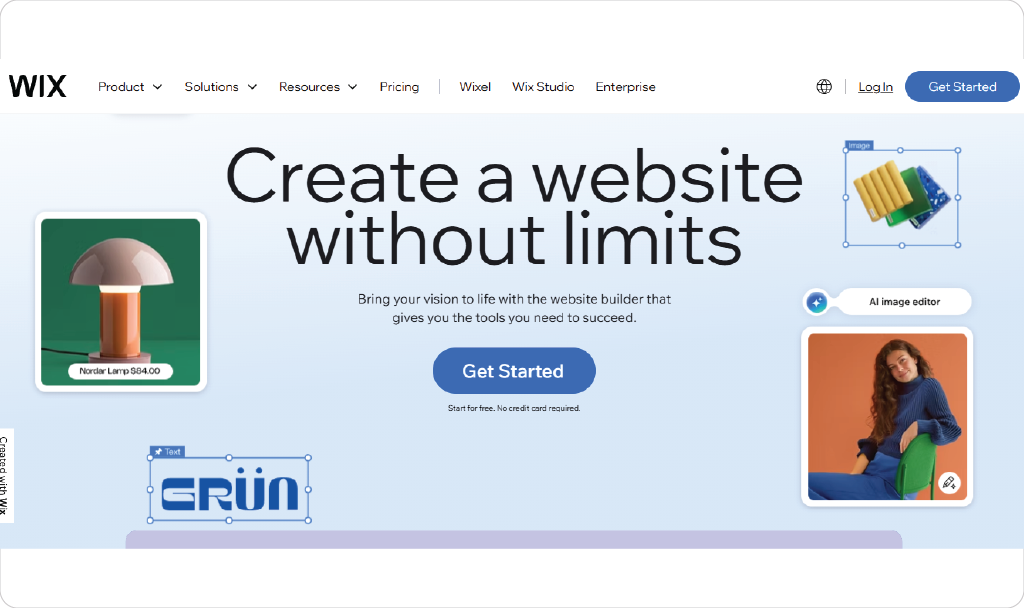
Why I Dig It: Wix is all about getting your blog up fast. I suggested it to a friend who needed a blog in a weekend, and she was stoked at how easy it was to make it her own.
What Sets It Apart:
- Drag-and-Drop Fun: Design your blog your way, no coding needed.
- Tons of Templates: From clean to colorful, there’s a vibe for everyone.
- Free to Start: You can play around without spending a dime.
The Downside: Free plans come with Wix ads and a branded domain (like yoursite.wix.com). For a pro look, you’ll need to upgrade. Wix also isn’t as powerful for complex sites as WordPress.org.
Pricing: Free to start. The Light plan ($17/month) ditches ads and lets you use a custom domain.
Who’s It For: Beginners or small businesses who want a quick, pretty blog without hassle. If speed’s your priority, Wix delivers.
Get Started: Explore Wix.
5. Blogger.com
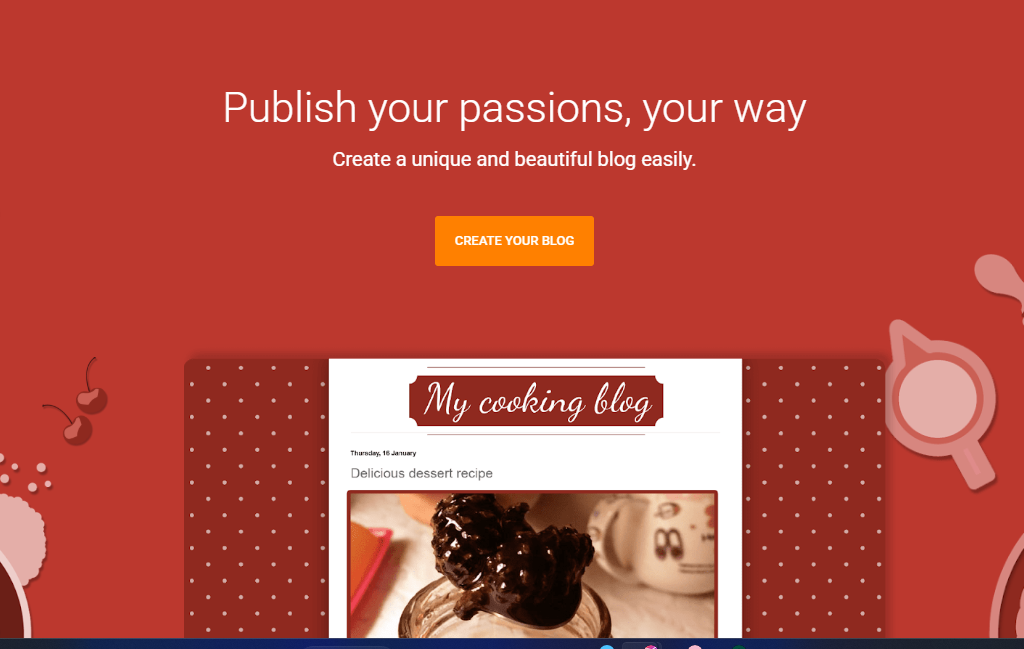
Why I Dig It: Blogger’s the scrappy underdog I can’t help but root for. It’s where I started my first blog, and its simplicity made me fall for blogging.
What Sets It Apart:
- Totally Free: No sneaky costs, even if you add a custom domain (bought separately).
- Google Vibes: Got a Gmail account? You’re halfway set up.
- Low Effort: Google handles hosting and security, so you just write.
The Downside: Blogger’s features are pretty basic, and the templates feel a bit old-school. If you want a modern, feature-packed blog, you might outgrow it fast.
Pricing: Free.
Who’s It For: Total beginners or hobbyists who want a no-cost, no-fuss blog. If you’re just testing the waters, Blogger’s a safe bet.
Get Started: Jump into Blogger.
My Take: Which Platform’s Right for You?
Your perfect platform depends on what you’re aiming for, your tech comfort, and your budget. Here’s how I see it, based on my years of blogging:
- Want Full Control? Pick WordPress.org with Bluehost. It’s what I use for zeeshanmanzoor.com because I love calling the shots. Ideal if you’re building a brand or serious blog.
- Just Starting Out? WordPress.com or Blogger are awesome. They’re free, simple, and let you focus on writing.
- Care About Looks? Squarespace is your jam. Its templates make your blog pop, even if you’re new.
- Need It Fast? Wix gets you a slick blog in no time.
- No Budget? Blogger is zero-risk and still works.
When I started, I didn’t realize how much my choice would shape my blog’s future. If you see your blog growing into a business or portfolio, start with WordPress.org or Squarespace. If you’re just playing around, a free platform like Blogger or WordPress.com is plenty.
Extra Tips for Blogging Like a Pro
Picking a platform is step one. Here’s what I’ve learned from running zeeshanmanzoor.com to help you shine:
- Know Your People: Who’s reading? Writing for your audience makes your content hit home.
- Stick to a Schedule: Post regularly, even if it’s once a week. It keeps readers coming back.
- Get SEO-Savvy: Tools like Yoast (on WordPress) help your posts climb Google’s ranks. It’s simpler than it sounds!
- Chat with Readers: Answer comments and emails. Building a community is the best part of blogging.
- Enjoy It: Blogging’s about sharing you. Don’t stress about being perfect—just start and let your voice come through.
FAQs: Your Blogging Questions Answered
I get tons of questions from new bloggers, so here are answers to the big ones:
Q: Can I switch platforms later?
A: Yup, but it’s not always smooth. Moving from WordPress.com to WordPress.org is easy, but switching from Wix to Squarespace might mean rebuilding. Choose thoughtfully, but you’re not stuck forever.
Q: Do I need coding skills?
A: Nah! Wix, Squarespace, and WordPress.com are built for non-coders. Even WordPress.org is doable with ready-made themes and plugins.
Q: How much should I spend?
A: Depends on your vibe. Hobbyists can stick with free platforms like Blogger. For a pro blog, budget $50–$100/year for hosting and a domain (like Bluehost for WordPress.org).
Q: Can I make money?
A: Totally. Most platforms let you earn through ads, affiliate links, or selling stuff. WordPress.org and Squarespace give you the most options for monetizing.
Is AI Destroying Blogging? My Take
If you’ve been around the blogging world lately, you’ve probably heard the buzz: “AI is taking over! It’s going to kill blogging!” As someone who’s poured years into zeeshanmanzoor.com, I get why this question freaks people out. AI tools can churn out articles in seconds, so is there still room for human bloggers like us? Let’s unpack this.
The Fear: AI can write blog posts, optimize SEO, and even mimic a human tone. Some worry it’ll flood the internet with generic content, drowning out real voices. Others think readers won’t care about human stories if AI can crank out posts faster and cheaper.
My Take: AI isn’t destroying blogging—it’s changing it, and that’s not all bad. Here’s why I’m not worried:
- Humanity Wins: Blogging’s magic is in the personal touch. My readers come to zeeshanmanzoor.com for my stories, quirks, and opinions—not a robot’s. AI can write, but it can’t live your life or share your heart. That’s your superpower.
- AI as a Tool: I use AI sometimes to brainstorm ideas or polish drafts, but I’m still the one steering the ship. Platforms like WordPress.org and Squarespace are even adding AI features to help with SEO or design, making it easier for us to focus on creating. Think of AI as a trusty sidekick, not a replacement.
- Quality Over Quantity: Sure, AI can pump out posts, but readers crave authenticity. Generic AI content often feels soulless, and search engines like Google are getting better at rewarding original, human-written stuff. Keep telling your unique story, and you’ll stand out.
- New Opportunities: AI’s opening doors, like helping you analyze reader data or automate repetitive tasks. This frees you up to connect with your audience or dream up creative posts.
The Bottom Line: AI’s a tool, not a threat. Blogging’s always been about connection, and no algorithm can replace your voice. Keep sharing what makes you you, and you’ll thrive, whether you’re on Blogger or WordPress.org. Worried about AI? Use it to make your work easier, but let your personality shine through. That’s what keeps readers coming back.
What’s Next for Blogging in 2025
Blogging’s changing, and 2025’s looking wild. From my corner at zeeshanmanzoor.com, here’s what’s on the horizon:
- AI Boosts: Platforms are adding AI to help with writing, SEO, and design. WordPress and Squarespace are already dabbling.
- Mobile Matters: Most readers are on phones, so responsive designs (like Squarespace and Wix offer) are a must.
- More Than Text: Blogs are mixing in videos and podcasts. WordPress.org makes embedding multimedia a cinch.
- Community Love: Readers crave connection. Platforms with comment systems or social tie-ins (like WordPress and Wix) help you build a tribe.
Trends aside, blogging’s still about sharing your unique spark. Pick a platform that lets you do that without breaking a sweat.
Wrapping Up: Your Blog Awaits
Starting zeeshanmanzoor.com was one of the best decisions I ever made. It’s given me a place to share my passions, meet incredible people, and even pay the bills. Whether you go with WordPress.org, Squarespace, or Blogger, the key is to start. Don’t wait for the perfect moment—just pick a platform and write that first post.
How to Start a Blog and Earn 4000$+ monthly in 2022
So, what’s next? Choose your platform, write your first post, and share it with the world. I’m rooting for you!
Happy blogging,
Craving more blogging tips? Swing by zeeshanmanzoor.com for guides, reviews, and inspiration.
