

If you’re looking to find high-quality, free stock images for your blog, you’re in the right place.
After blogging for over six years, I’ve explored countless stock image websites, and through trial and error, I’ve narrowed it down to the top 16 platforms that consistently deliver outstanding visuals.
To ensure you stay on the safe side when using these images, I’ve also included important information about the usage restrictions and policies of each site in their respective sections. This guide will not only help you find stunning images but also ensure you’re compliant with each platform’s terms to protect your blog’s reputation.
Whether you’re writing about lifestyle, business, or travel, these resources will save you time and boost your content with eye-catching visuals, all while adhering to legal guidelines.
In a Hurry? here are some of the best websites where you can find free stock images for bloggers:
- Canva – An Online Design Tool with Wide range of design templates and Graphics.
- Freepik – A treasure trove of all your design needs
- Burst by Shopify – High-quality, free images for business and e-commerce use.
- Unsplash – Known for its high-quality, creative photos perfect for any niche.
- Pixabay – Offers a wide selection of versatile images, including illustrations and vector graphics.
- Pexels – A treasure trove of free stock photos, ideal for bloggers of all types.
- Foodiesfeed – A go-to resource for food bloggers seeking stunning food photography.
- FreeImages – A solid option with a large collection of images across various categories.
- PicJumbo – A diverse collection of images to suit many different blog types.
- Gratisography – Provides quirky and unique photos that stand out.
- Vecteezy – Excellent for finding vector graphics and illustrations.
- StockSnap.io – Features high-resolution photos with regular updates.
- LibreShot – A free resource by a professional photographer offering beautiful shots.
- Skitterphoto – A platform with authentic, non-stocky photos for a more natural feel.
- SplitShire – Gorgeous, high-quality images to complement your blog’s aesthetic.
- Pickup Image – A great site for free, simple stock photos.
- New Old Stock – Vintage photos to give your blog a unique and nostalgic vibe.
- Reshot – find stylish, free illustrations and icons.
- ShutterStock – While primarily a paid resource, ShutterStock offers free trial access to premium images.
19 Best Free Stock Photo Websites for Bloggers
Finding the right images for your blog is crucial to ensuring it stands out. Here’s a list of the top 20 websites where bloggers can access high-quality, free stock images for their posts.
Each site has something unique to offer, so you’re sure to find visuals that align with your content and brand style.
1. Canva – An Online Design Tool with Wide range of design templates and Graphics.
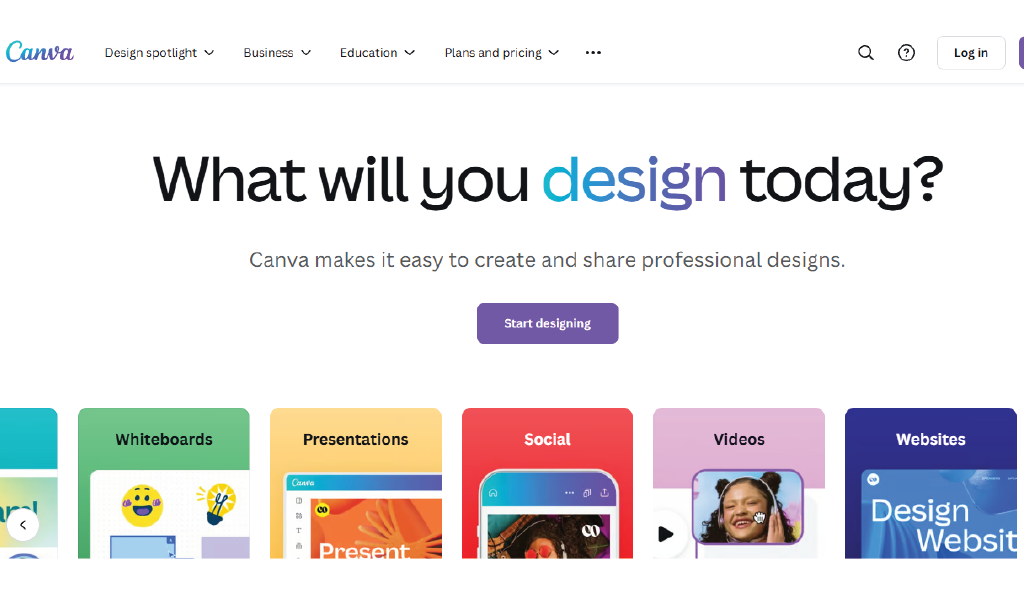
I’ve been using Canva for a while now, and I can honestly say it’s become one of my go-to tools for creating all kinds of designs. Whether it’s social media posts, blog graphics, or presentations, Canva makes it super easy with its extensive library of customizable templates. What really stands out to me, though, is the huge selection of stock photos—over a million free and paid options to choose from!
If you’re on the free plan, you still get access to tons of great images, but when you upgrade to Canva Pro, it’s like opening the doors to an even bigger creative world. With Pro, you get access to premium stock photos and extra graphic assets that really help take your designs to the next level—perfect for bloggers like me who want fresh, high-quality visuals.
It’s important to note that while the free photos are available for everyone, the paid ones are included in Canva’s Premium subscription. If you ever decide to dive deeper into the premium side of things, just be sure to check out Canva’s Content License Agreement for the finer details on how everything works.
2. Freepik – A treasure trove of all your design needs.
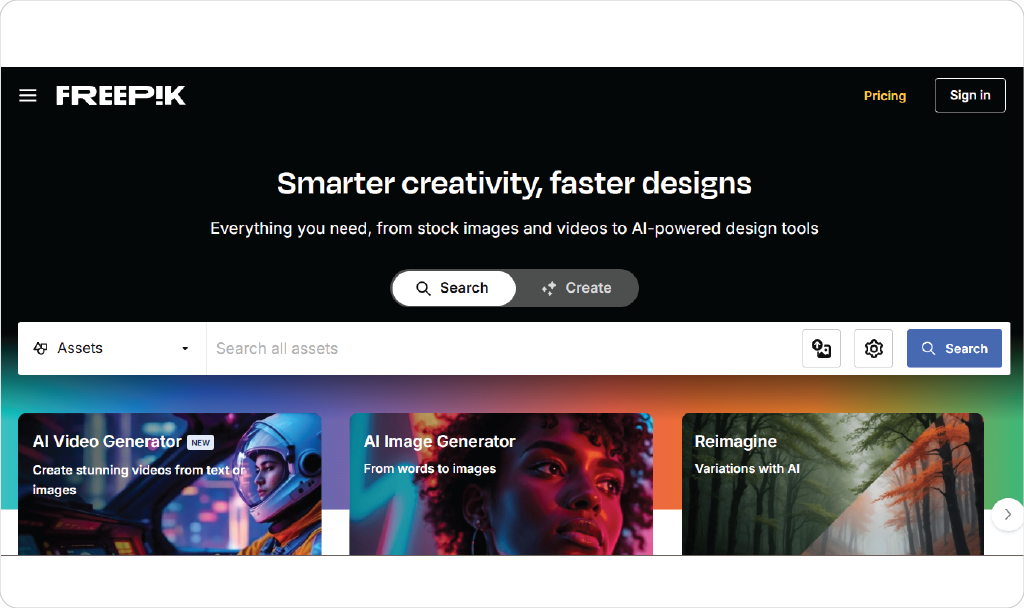
Freepik is a powerhouse when it comes to finding high-quality visuals for your blog. With a massive collection of photos, vectors, illustrations, and even PSD files, it’s an all-in-one platform for bloggers looking to enhance their content. Whether you’re designing a banner, creating social media posts, or looking for beautiful stock images, Freepik offers a wide range of assets that cater to various blogging niches.
Here’s why Freepik is such a valuable tool:
- Customizable Content: Many of the graphics on Freepik come in editable formats, like PSD and AI, giving you the flexibility to tailor them to your needs.
- Search Made Easy: With a powerful search function, you can quickly find images or vectors based on categories, colors, and more.
- Free and Premium Options: While Freepik offers many free resources, you can also explore premium content with additional features for even more variety.
Important Note: Freepik’s free content is available for personal and commercial use, but you may need to credit the author. Always check Freepik’s license for the most up-to-date guidelines to ensure you’re using their resources appropriately.
Freepik is an essential tool for bloggers looking to find both stunning free visuals and flexible design options to enhance their content and engage their audience effectively.
3. Burst by Shopify – High-quality, free images for business and e-commerce use.
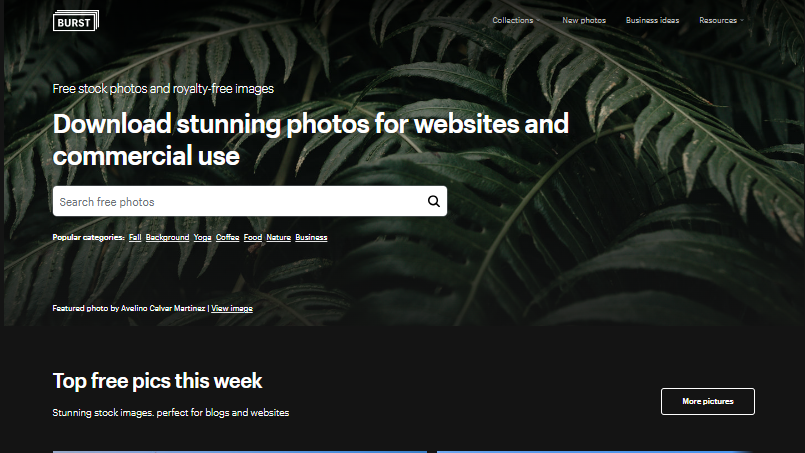
I’ve recently started using Burst by Shopify, and honestly, it’s been a game-changer for my designs.
This platform offers an amazing collection of high-quality, free stock photos that are perfect for everything from blog posts to e-commerce sites.
What I love most is how easy it is to find images that truly complement my content. Plus, since all the photos are free to use, it’s a fantastic option for anyone on a budget.
Whether you’re a blogger like me or a small business owner, Burst has tons of beautiful, royalty-free images to help your projects really stand out.
Just remember to check the license before using any photos, especially if it’s for commercial purposes..
4. Unsplash – The Best Library for Stunning High-Quality Images
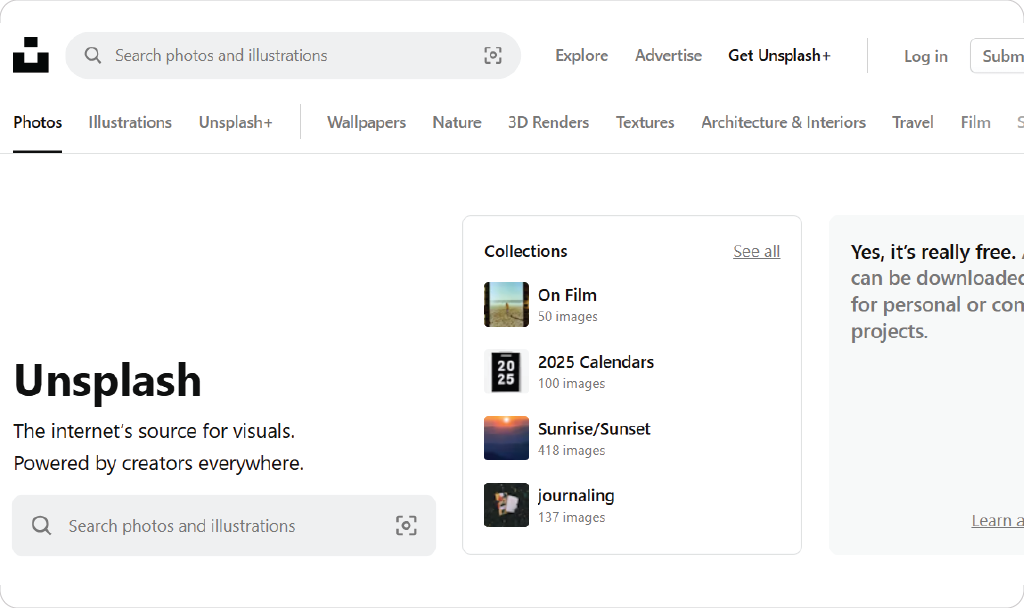
Unsplash has become a leading platform for bloggers and creators looking for high-quality visuals. Here’s what makes it stand out:
- Massive Image Library: Access over a million high-resolution photos across various categories, from landscapes to food and portraits.
- Artistic and Unique Content: The platform is known for its creative and visually stunning images that stand out from generic stock photos.
- Easy Search Features: Find the perfect visual quickly using keyword searches and curated collections.
- Free for Personal and Commercial Use: All images on Unsplash can be downloaded and used for free, without any licensing fees.
Important Note: While attribution is not required, it’s always a good practice to credit the photographer as a courtesy. Be sure to review Unsplash’s license to ensure compliance with their guidelines when using images for your blog or projects.
5. Pixabay – Versatile and Creative Commons Images
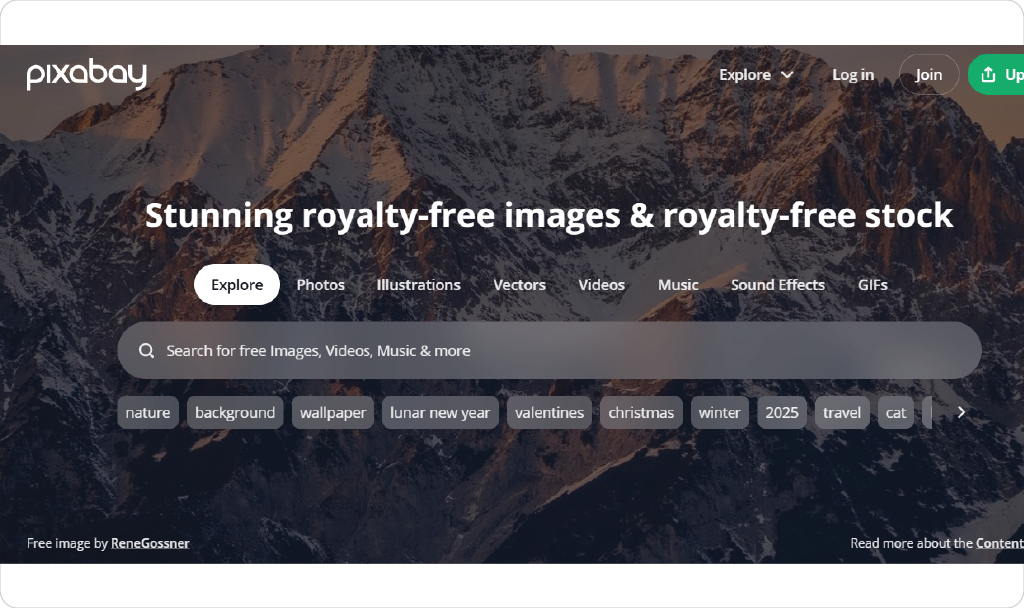
Pixabay is another high-quality site offering everything bloggers need, here’s what makes it an exceptional choice:
- Free and Unlimited Access: Download photos, illustrations, vectors, and videos without worrying about licensing fees.
- No Attribution Required: All images are released under a Creative Commons license, so you can use them freely for personal or commercial projects.
- Broad Range of Categories: From nature and travel to business and technology, Pixabay offers something for every niche.
- Easy Search Features: Use filters like image orientation, color, and category to quickly find exactly what you need.
Before using any content, it’s essential to review Pixabay’s policies to ensure you’re making the most of its resources the right way. With its diverse and user-friendly library, Pixabay is the ideal platform to elevate your blog’s visuals effortlessly.
6. Pexels – A Treasure Trove for Bloggers
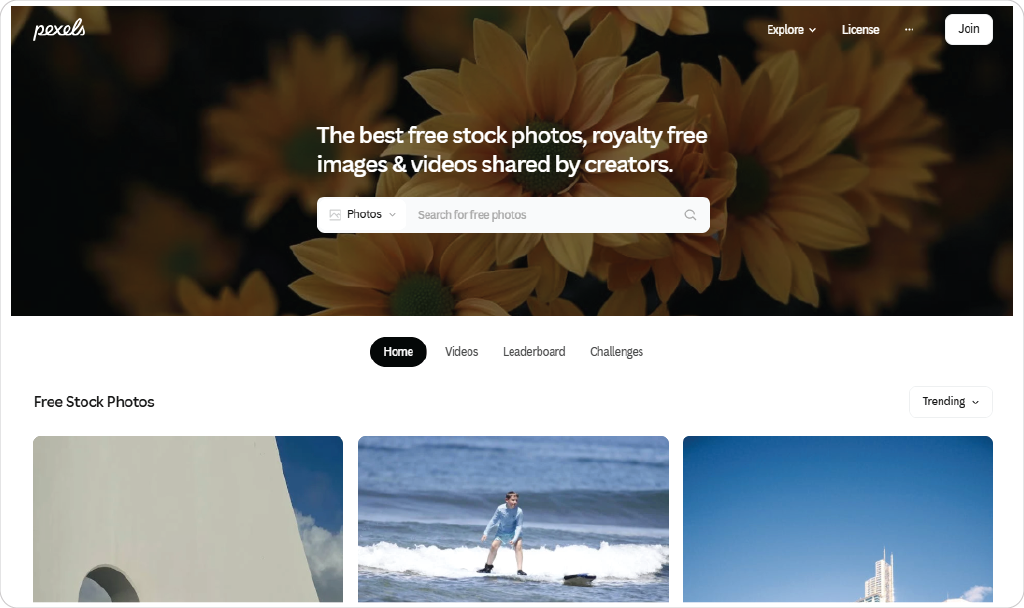
Pexels provides high-quality stock photos and videos that are free for personal and commercial use. What sets Pexels apart is the curated collections of images, designed to make it easier for bloggers to find exactly what they need. Whether you need minimalist shots or vibrant, dynamic images, Pexels has something for every blog theme and style.
7. Foodiesfeed – Perfect for Food Bloggers
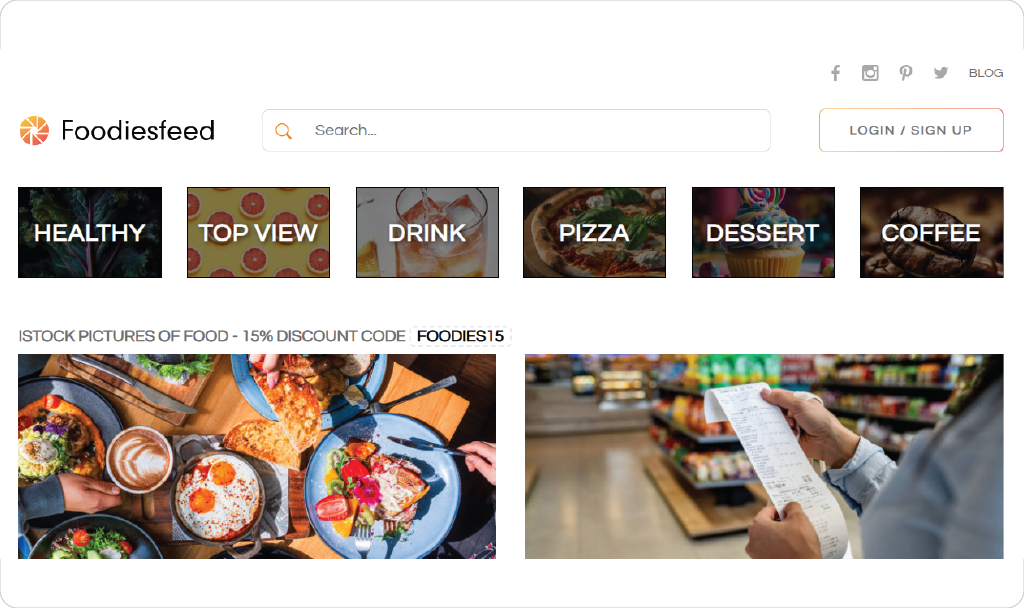
Food bloggers will love Foodiesfeed for its wide range of high-quality food-related images. From beautifully plated dishes to raw ingredients and close-ups, this website is a treasure trove of food imagery that can take your blog posts to the next level. All images are free to use, with no attribution required, and are available in high resolution.
8. FreeImages – A Solid Option for Stock Photos
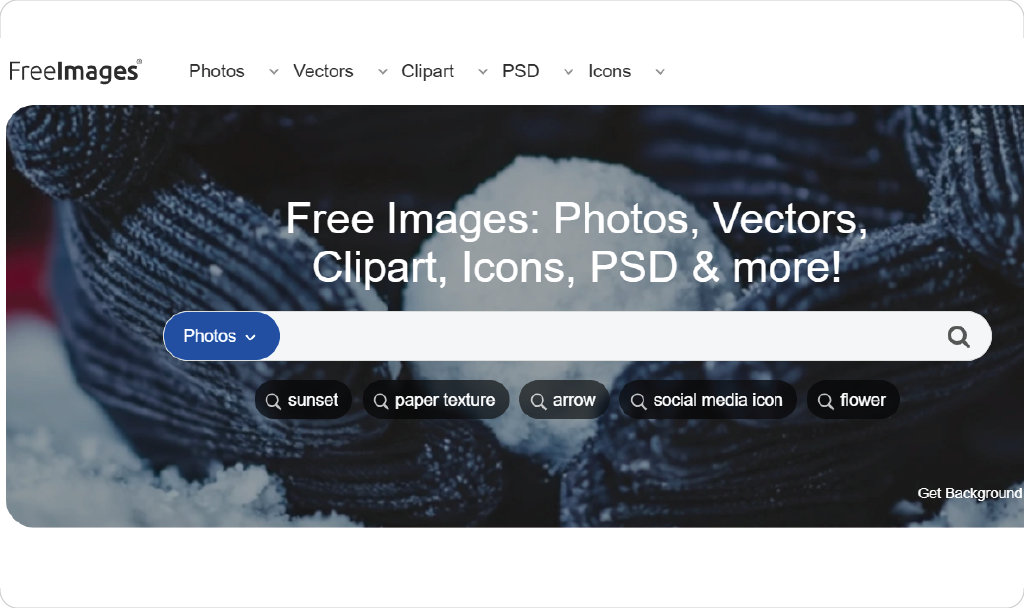
FreeImages offers a solid collection of over 300,000 free stock photos for bloggers to choose from. While it’s not as vast as some of the other platforms, the quality and diversity of the images make it a reliable choice. With clear filters and categories, you can quickly find the images that fit your blog’s niche.
9. PicJumbo – A Diverse Collection for Your Blog Needs
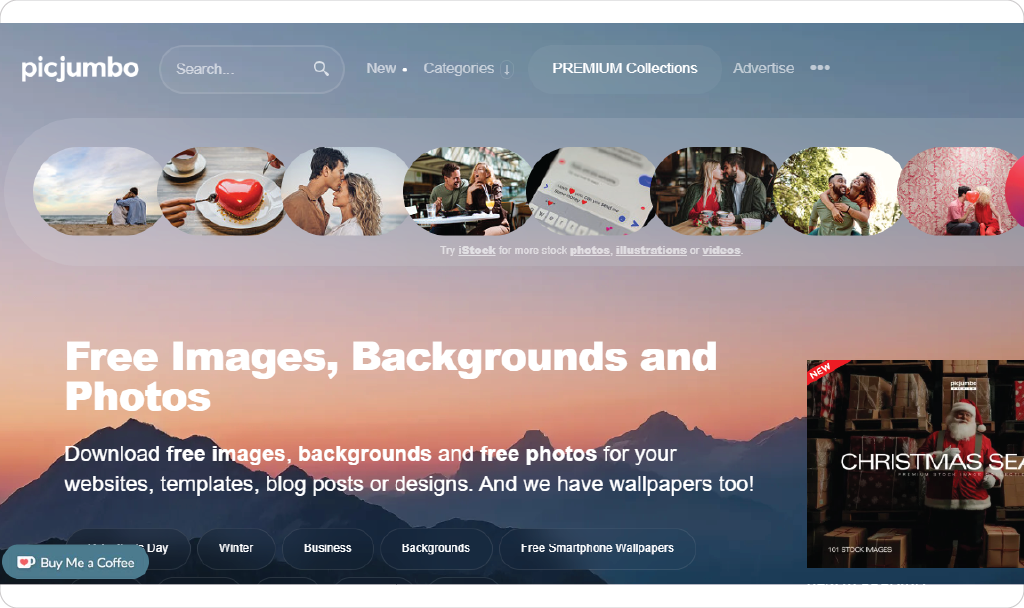
PicJumbo is a great resource for bloggers who need a wide variety of stock photos. The site offers everything from business and technology shots to nature and lifestyle images. PicJumbo updates its collection regularly, providing fresh content to keep your blog visually appealing. You can use the images for both personal and commercial projects without attribution.
10. Gratisography – Quirky and Unique Images
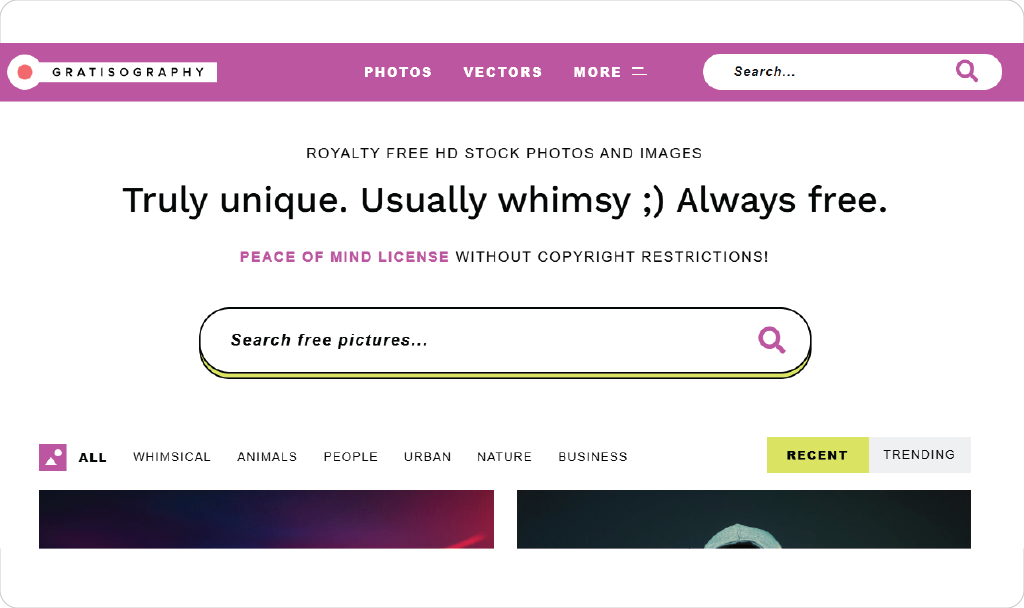
If you’re looking for something a little different, Gratisography offers quirky and creative stock photos that stand out from the typical free stock image sites. With a focus on humor, uniqueness, and originality, the images on Gratisography are ideal for bloggers who want to add personality to their content. The photos are free to use, with no copyright restrictions.
11. Vecteezy – Excellent for Vector and Graphic Images
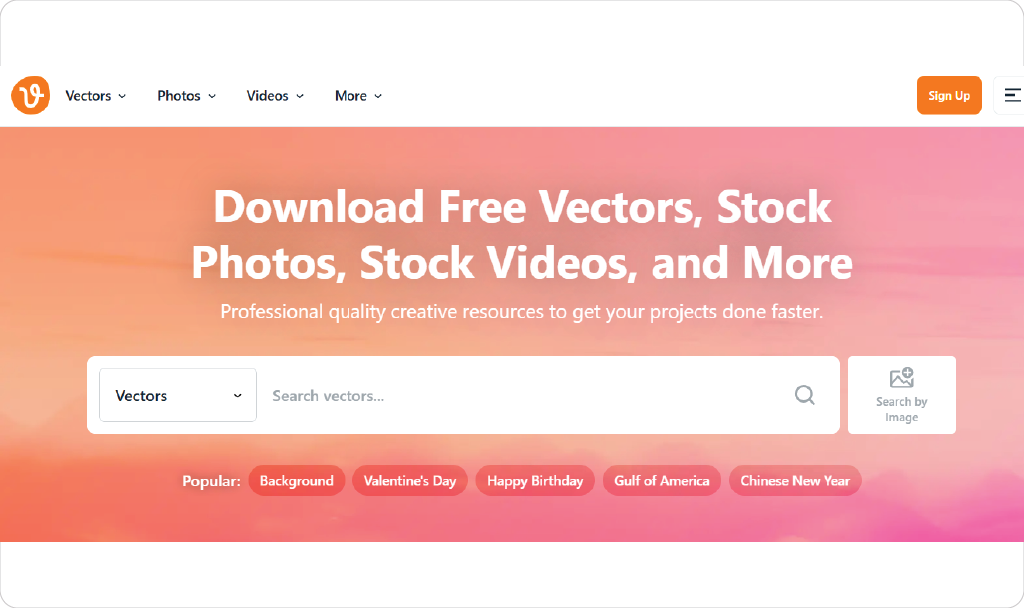
While many stock photo sites focus solely on photographs, Vecteezy offers a large selection of vectors, illustrations, and graphics, in addition to stock photos. This makes it perfect for bloggers who need to include infographics, diagrams, or design elements in their posts. Many of the assets on Vecteezy are free, with attribution required for some content.
12. StockSnap.io – High-Resolution Photos and Regular Updates
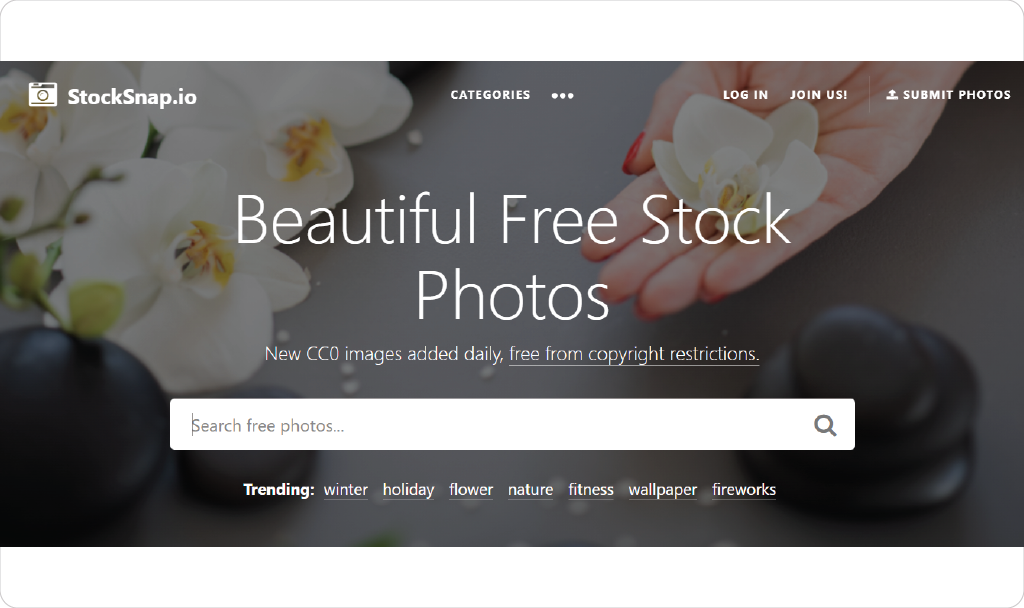
StockSnap.io is another excellent platform offering high-resolution photos that are free to use for both personal and commercial projects. With new images added every week, StockSnap.io is perfect for bloggers who want fresh content regularly. All images are released under the Creative Commons CC0 license, so you don’t need to worry about attribution.
13. LibreShot – A Free Resource by a Professional Photographer
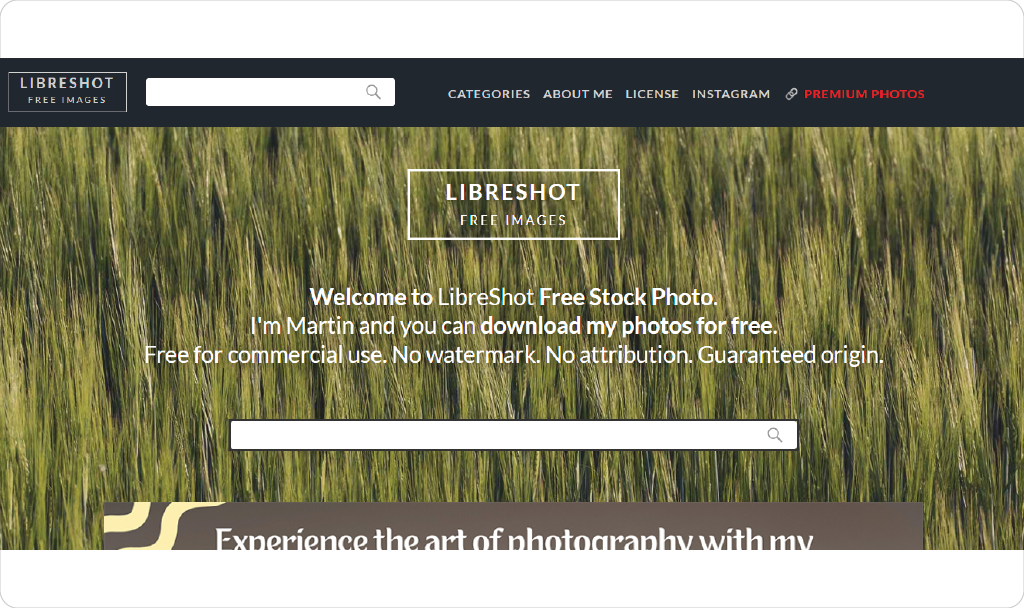
LibreShot is a personal project by a professional photographer, providing free high-resolution stock photos for bloggers. The collection includes a mix of landscape, architecture, nature, and lifestyle shots. The images are free to use for any purpose, including commercial use, and are available in a variety of resolutions.
14. Skitterphoto – A Free Platform for Authentic Stock Images
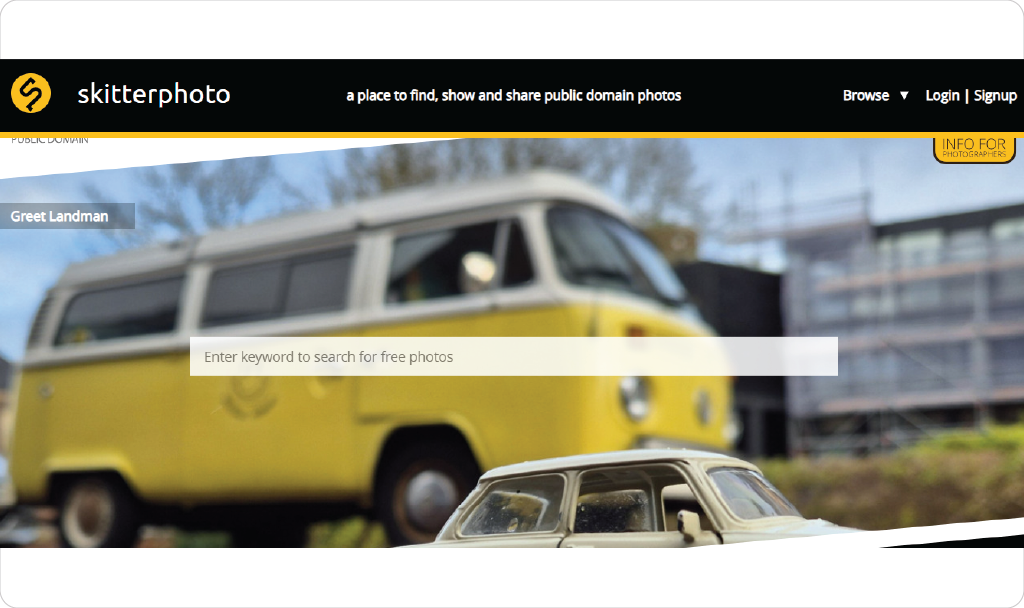
Skitterphoto offers free, high-quality stock images that are perfect for bloggers looking for authentic and natural visuals. The platform is simple to navigate, and all images are available under the Creative Commons CC0 license, meaning they can be used without attribution. Skitterphoto’s collection is ideal for bloggers looking for more authentic, candid photography.
15. SplitShire – Gorgeous, High-Quality Stock Photos for Bloggers
SplitShire features a variety of beautiful, high-quality images that cater to different blog niches. From lifestyle and business to nature and fashion, SplitShire offers an assortment of visuals perfect for enhancing your blog posts. All images are free to use without the need for attribution.
16. Pickup Image – A Great Site for Free Stock Photos
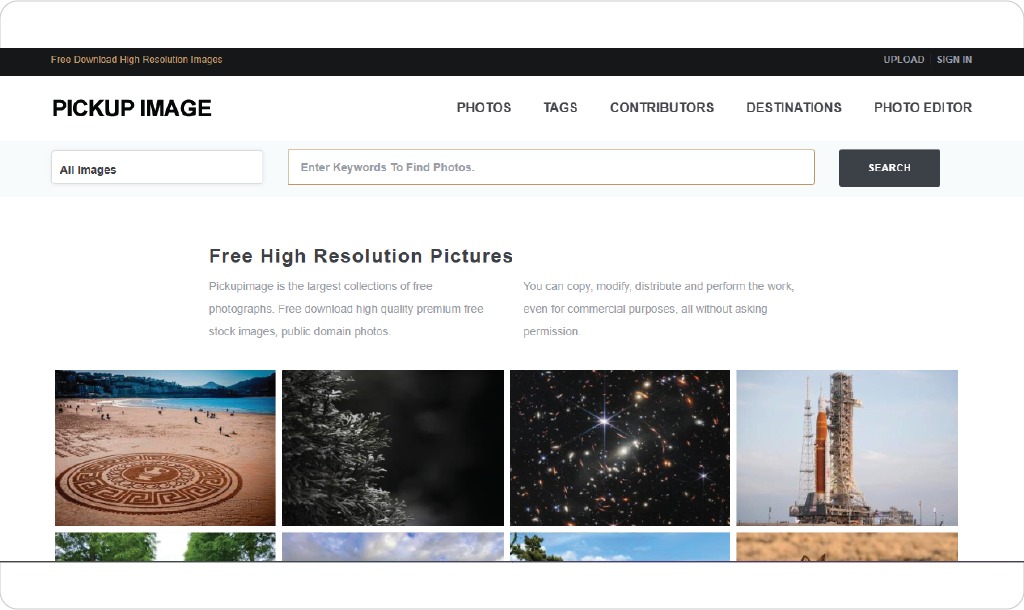
Pickup Image offers a collection of professional stock photos that can be used for both personal and commercial purposes. The site features an easy-to-use interface and a range of categories, including business, food, and technology. Images on Pickup Image are free to download and use with no attribution required.
17. New Old Stock – Vintage Photos for Unique Blog Designs
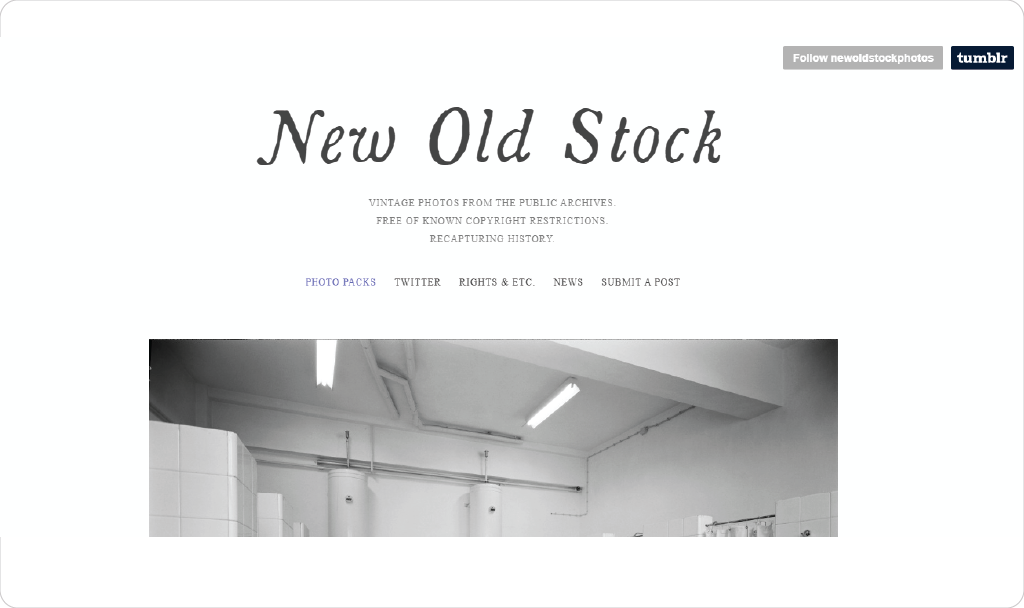
For bloggers who are interested in vintage aesthetics, New Old Stock is the perfect resource. This site offers a collection of public domain vintage photos, which are ideal for adding a unique, historical touch to your blog. Whether you’re running a history blog, a vintage fashion site, or just love the retro look, New Old Stock provides high-quality images you can use without restriction.
18. Reshot – find stylish, free illustrations and icons.
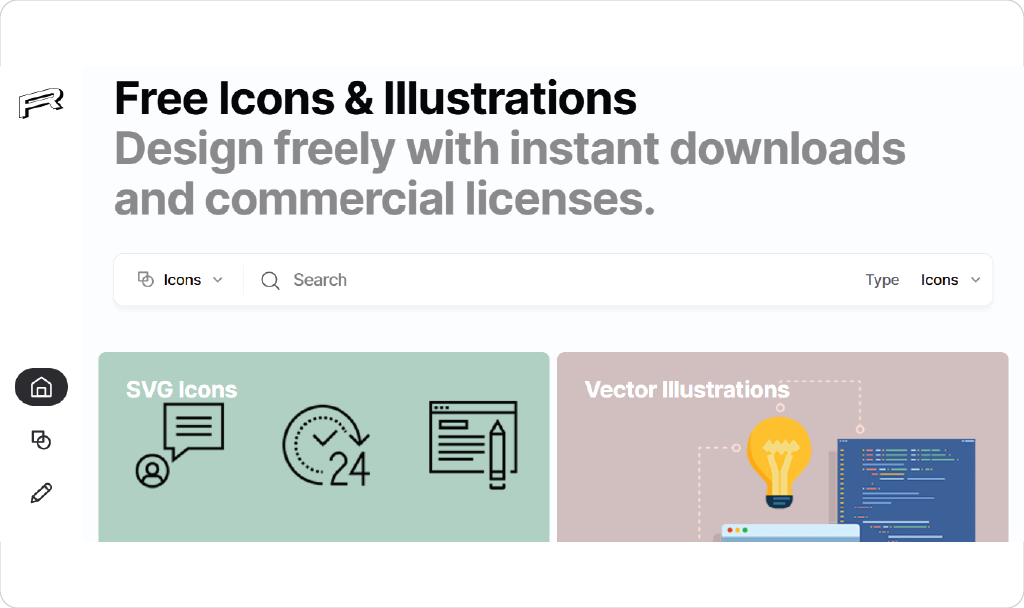
If you’re looking for stylish and free illustrations or icons, Reshot is a must-try! I’ve been using it for my designs, and it’s amazing how quickly I can find exactly what I need without spending hours searching.
19. ShutterStock – Premium Photos with Free Trial Access
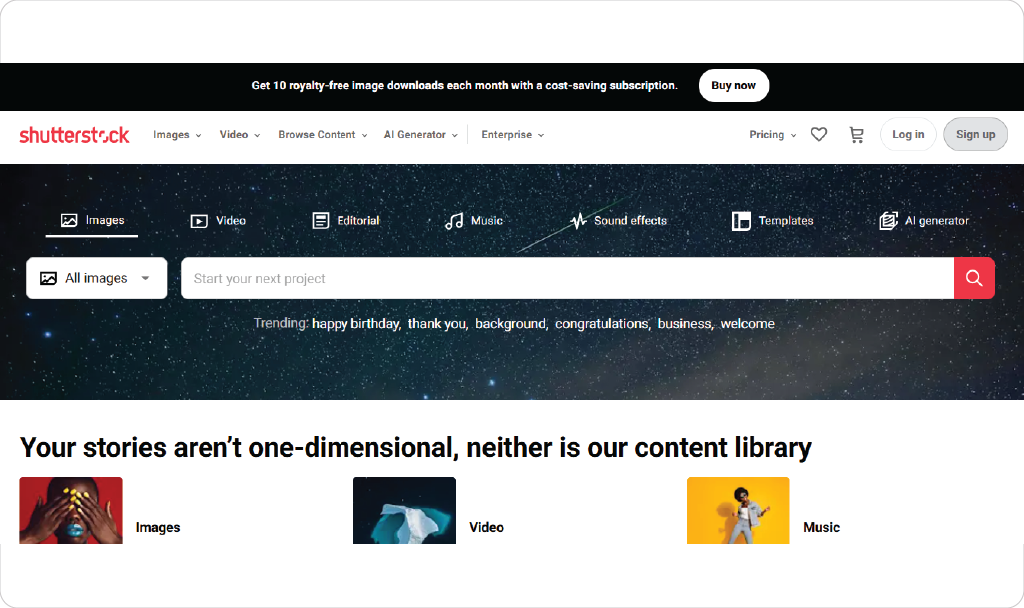
While ShutterStock is primarily a paid stock photo service, it offers a free trial that allows you to download a limited number of high-quality images at no cost. This is a great way for bloggers to access premium visuals without committing to a subscription. The site’s large collection of images spans virtually every niche, and the images are often more polished and professional than those found on free platforms.
How to Edit, Resize, and Optimize Images for Your Blog
Once you’ve found the perfect free stock images for your blog, it’s essential to make sure they are optimized for your site. Properly editing, resizing, and optimizing images not only enhances their appearance but also helps improve your blog’s performance and SEO.
Types of Image Files Every Blogger Should Use
When it comes to choosing the right file format for your images, there are three main types that every blogger should be familiar with:
- JPEG: This is the most common image format for blog posts. It offers a good balance of quality and file size, making it ideal for photographs and images with many colors.
- PNG: Perfect for images that require transparency or images with text and logos. PNG files tend to have larger file sizes, but they are great for preserving image quality.
- WebP: This modern format is gaining popularity due to its ability to maintain high quality while significantly reducing file sizes. WebP images load faster than JPEG and PNG files, making them great for optimizing your blog’s speed.
Choosing the right file type is important for balancing visual quality with page load times. JPEG is usually your best bet for blog photos, but if you need transparency or crisp detail, PNG or WebP might be better choices.
Resizing Your Blog Photos for Faster Load Times
Image load times directly impact your blog’s user experience and SEO rankings. Large images can slow down page loading, leading to higher bounce rates and lower search engine visibility. To ensure your blog loads quickly, it’s crucial to resize your images before uploading them.
- Resize your images to match the dimensions they’ll be displayed at on your blog. There’s no need to upload a 3000px-wide image if it will only be displayed at 600px wide.
- Use image compression tools like TinyPNG, JPEG-Optimizer, or ImageOptim to reduce the file size without sacrificing quality. These tools compress images, making them smaller and faster to load while maintaining visual appeal.
A good rule of thumb is to keep images under 100KB if possible, especially for blog posts with many visuals.
Editing Your Images to Fit Your Blog’s Aesthetic
Editing your images allows you to align them with your blog’s theme, message, and aesthetic. Free stock images can often look generic, so adding personal touches or making adjustments will make them feel more cohesive with your blog’s style.
- Adjust the brightness and contrast to make sure the image pops and looks more vibrant.
- Crop or straighten images to ensure they fit perfectly within your blog’s layout and highlight the most important elements.
- Apply filters to match your blog’s tone. Whether you prefer warm, cool, or vintage vibes, you can adjust colors and saturation levels to achieve the desired mood.
Many free tools, such as Canva, Pixlr, and GIMP, can help you quickly edit images to enhance their visual appeal.
Optimizing Blog Photos for SEO and Faster Loading
Optimizing your images for SEO is just as important as optimizing them for appearance and speed. Proper image optimization ensures your blog photos are discoverable by search engines and contribute to better SEO performance.
- Use descriptive file names: Before uploading images, rename them to something relevant to your blog post. For example, instead of using the generic “image001.jpg,” use a descriptive name like “free-stock-images-for-bloggers.jpg.”
- Alt text: Always add alt text to your images, describing what they show. This helps search engines understand the content of your images and improves accessibility for readers using screen readers. Make sure your alt text includes relevant keywords like “free stock images for bloggers.”
- Use image sitemaps: If you have a lot of images on your blog, including them in your XML sitemap can help search engines index them more easily.
- Leverage lazy loading: Lazy loading allows images to load only when they appear on the screen, helping improve page speed. Many modern website platforms and plugins support lazy loading.
By optimizing your images for SEO and speed, you can improve both user experience and search engine ranking, which ultimately helps drive more traffic to your blog.
Legal Considerations: Using Photos Safely on Your Blog
When using free stock images for your blog, it’s essential to understand the legalities behind them. Using images improperly can lead to copyright infringement, legal issues, and a damaged reputation. To avoid these pitfalls, here’s what you need to know about image licenses and how to use them safely.
Understanding Image Licenses (Creative Commons, Royalty-Free, etc.)
Before you download and use any image, it’s crucial to understand the type of license it falls under. Here are some common licenses you’ll encounter on free stock photo websites:
- Creative Commons (CC0): Images under this license are free to use for personal and commercial purposes without attribution. However, it’s always good practice to credit the photographer, even if it’s not required.
- Royalty-Free: This license allows you to use the image without paying royalties or licensing fees, but it may have some restrictions, such as not using the image in a way that could imply endorsement or using it in a specific context.
- Editorial Use Only: Some images are licensed for editorial use only, meaning they cannot be used for commercial purposes or altered in a way that changes their original context. Make sure to check if the image is tagged for editorial use before using it in any monetized content.
Always read the licensing terms before downloading an image to ensure you’re using it within the allowed parameters.
The Consequences of Misusing Stock Photos
Using images without the proper license or attribution can result in serious legal consequences. If you use copyrighted images without permission, the photographer or image owner can file a Digital Millennium Copyright Act (DMCA) takedown notice, which could lead to your blog being penalized or even taken down.
In some cases, you might be subject to fines for copyright infringement. This is especially true if you use an image in a commercial context without proper licensing. To avoid legal issues, always verify the license of any image you use, even on free stock photo sites.
How to Stay Safe: Best Practices for Image Usage
To ensure you’re using images legally and ethically on your blog, follow these best practices:
- Read the License Terms: Always check the license of any image before downloading it. Even if the image is free, the terms of use can vary. Some platforms may require attribution, while others may limit the usage of images for commercial purposes.
- Give Credit Where It’s Due: While many stock photo sites offer images for free with no attribution required, it’s still a good practice to credit the photographer whenever possible. It’s a simple gesture of respect and can help foster goodwill within the photography community.
- Use Public Domain Images: Public domain images are completely free to use for any purpose, including commercial use. Websites like Wikimedia Commons and New Old Stock offer images in the public domain, which means you can use them without restrictions.
- Avoid Using Sensitive or Trademarks: Be cautious about using images that contain recognizable brands, logos, or people’s likenesses. If the image includes a brand’s logo or a celebrity’s face, it may be subject to additional rights or restrictions, so make sure you have permission before using them.
By following these best practices, you can safely and legally use stock images on your blog without worrying about copyright issues.
In the next section, we’ll discuss how to choose images that represent your brand effectively, ensuring that your visuals align with your blog’s theme and message.
Choosing Images that Represent Your Brand Effectively
Selecting the right stock images for your blog is not just about picking attractive visuals—it’s about choosing images that align with your brand’s identity and message. The images you use should convey the right tone and resonate with your audience. Here are some tips on how to choose images that represent your blog and brand effectively.
How to Align Stock Images with Your Blog’s Theme and Message
- Know Your Brand’s Voice and Personality: Every blog has a unique voice, whether it’s casual, professional, inspirational, or informative. Make sure the stock images you choose align with this voice. For example, if your blog has a fun, energetic vibe, choose bright, dynamic photos. If your blog is more serious or educational, opt for clean, professional, and minimalistic images.
- Stay Consistent with Your Visual Aesthetic: Your blog’s overall visual style—such as color schemes, typography, and layout—should be reflected in the stock images you use. If your blog has a soft, pastel color palette, choose images that complement those tones. If your website has a sleek, modern feel, look for stock images that feature contemporary designs and a minimalist aesthetic.
- Understand the Emotions You Want to Evoke: Images evoke emotions and play a major role in shaping how your readers feel about your content. For example, images of nature might evoke calm and serenity, while photos of happy people might create feelings of joy and excitement. Choose images that enhance the emotions you want to convey through your blog posts. If you’re writing a post on self-care, soft, warm images of people relaxing will likely resonate with your audience more than busy, high-energy photos.
- Avoid Clichés: While stock photos are a convenient resource, they can sometimes feel generic or overused, particularly the ones that feature “stock photo clichés” like a person shaking hands or smiling in front of a computer. Look for images that feel authentic and unique to your content. The more original the images feel, the more they will connect with your audience.
- Ensure Relevance to Your Content: The most effective images are those that directly relate to the content you’re writing about. For example, if you’re writing a blog post about digital marketing, use images that feature people working on laptops, discussing ideas, or brainstorming in a meeting room. Relevance helps readers visually connect with the information you’re presenting, making your blog posts feel more cohesive and informative.
Tips on Maintaining Consistency Across Your Blog’s Visual Identity
- Use a Consistent Image Style: Choose images that share a similar tone, lighting, and color palette. Whether you prefer light and airy, dark and moody, or vibrant and bold imagery, keeping your visual style consistent across your blog will create a more cohesive reader experience.
- Establish a Visual Theme: Consider creating a style guide for your blog that outlines how images should fit into your overall brand identity. Define the types of images you’ll use (e.g., lifestyle, product photos, illustrations) and how they should be styled (e.g., bright, dark, monochrome). This will help you make intentional choices when sourcing and selecting stock images.
- Use Templates and Image Presets: If you edit your images, you can maintain consistency by using the same filters, borders, and cropping styles across all visuals. Tools like Canva or Adobe Lightroom allow you to create templates or presets that you can apply to every image before you upload it to your blog.
- Limit Image Types: Rather than using a vast array of different styles and formats, focus on a handful of image types that complement your content. For example, if your blog primarily focuses on text-heavy posts with occasional imagery, you might choose to use a consistent hero image (a large header image) for each post and small, subtle images within the content to break up the text.
Other Ways to Source Photos for Your Blog
As a blogger, having access to high-quality photos is crucial for creating visually appealing content. While free stock images are a fantastic resource, there are several other ways to source images for your blog. Here are three main methods to consider:
Take Your Own Photos
If you’re passionate about your niche and have the time and equipment, taking your own photos can be a rewarding option. Not only does this give you complete control over the image style, but it also allows you to create visuals that perfectly match your blog’s unique voice. For example, if you’re a food blogger, snapping your own pictures of meals and ingredients can lend authenticity and a personal touch to your posts. However, keep in mind that taking quality photos requires a bit of skill and the right equipment, such as a good camera or smartphone and editing software.
Commission New Images
Another way to ensure you have unique photos for your blog is by commissioning professional photographers. This option can be more expensive, but if you need high-quality, custom images that align perfectly with your brand, it can be worth the investment. Websites like Fiverr or Upwork can help you connect with photographers who can create images tailored to your blog’s needs. Commissioning new images is ideal for bloggers who want exclusive content that no one else can use.
Conclusion: Where to Find the Best Free Stock Photos for Your Blog
In this article, we’ve explored why high-quality visuals are essential for bloggers and how they can significantly enhance the appeal of your content. From saving time and money to having a diverse range of options, using free stock images is a smart and practical choice. But, as we’ve discussed, choosing the right images involves more than simply downloading a random photo—it’s about aligning your visuals with your brand, message, and overall blog aesthetic.
These websites provide you with a variety of images that will cater to your specific needs, whether you’re looking for nature shots, office settings, food photography, or vintage images. And with the right image editing, resizing, and optimization, these free stock photos can elevate your blog’s visual presence while keeping it aligned with your brand identity.
By understanding image licenses, editing for optimization, and choosing visuals that enhance your content and brand message, you can confidently use free stock photos to make your blog more engaging, visually appealing, and SEO-friendly.
So, go ahead and explore these websites to find the perfect images for your next blog post. Happy blogging!
